
Behind the Scenes: How We Used agentic AI to Write a Hyper-Personalized Emcee Script for 200 VIPs
Let me show you what happened when we stopped writing event scripts from scratch — and started orchestrating an AI agent to research, match tone, and draft for us.
Let me show you what happened when we stopped writing event scripts from scratch — and started orchestrating an AI agent to research, match tone, and draft for us.
The Call That Started It All
Three weeks before our annual industry gala, the events director called me with that tone — you know the one. The "I need a favor and it's going to be painful" tone.
"We need the emcee script by Friday. Two hundred guests. Thirty VIPs need personal mentions. The Chairman wants it to 'feel bespoke.' Oh, and the last two scripts were too corporate. Make this one warmer."
I said yes because that's what you do. Then I stared at a blank document for forty-five minutes.
Here's the thing about emcee scripts: they're not hard to write. They're hard to research. You need to know who's attending, what they've been up to, what tone matches the event, and how your company has historically addressed this type of audience. That research takes 80% of the time. The actual writing? Twenty percent, tops.
So I asked myself: what if the AI did the 80%?
Get immediate access to the full JSON schema for this workflow.
What I Built (And What It Did)
I didn't open ChatGPT and type "write me an emcee script." That would have given me generic platitudes that could apply to any event, any company, any audience. I needed something that knew our VIPs, our brand voice, and our event history.
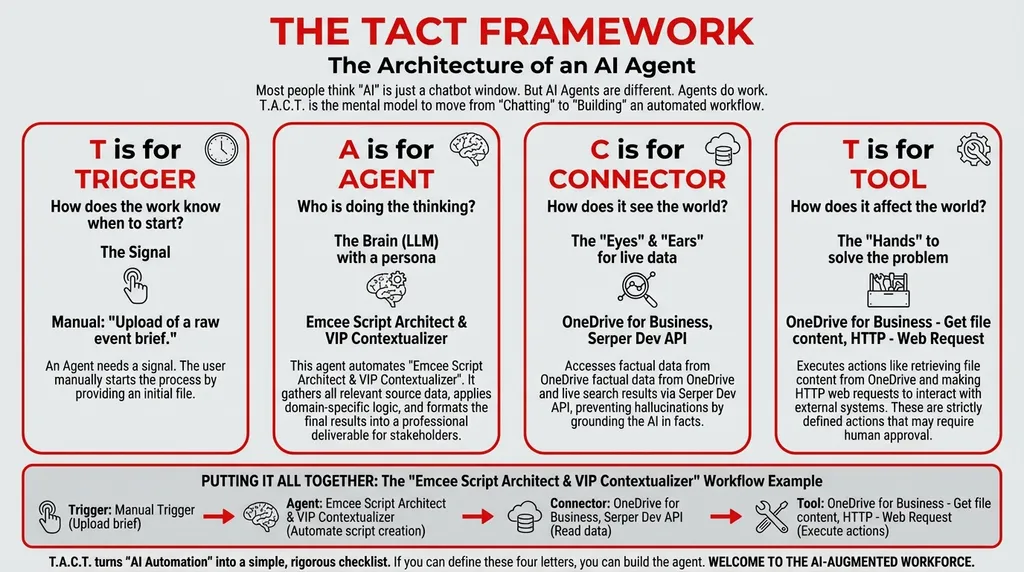
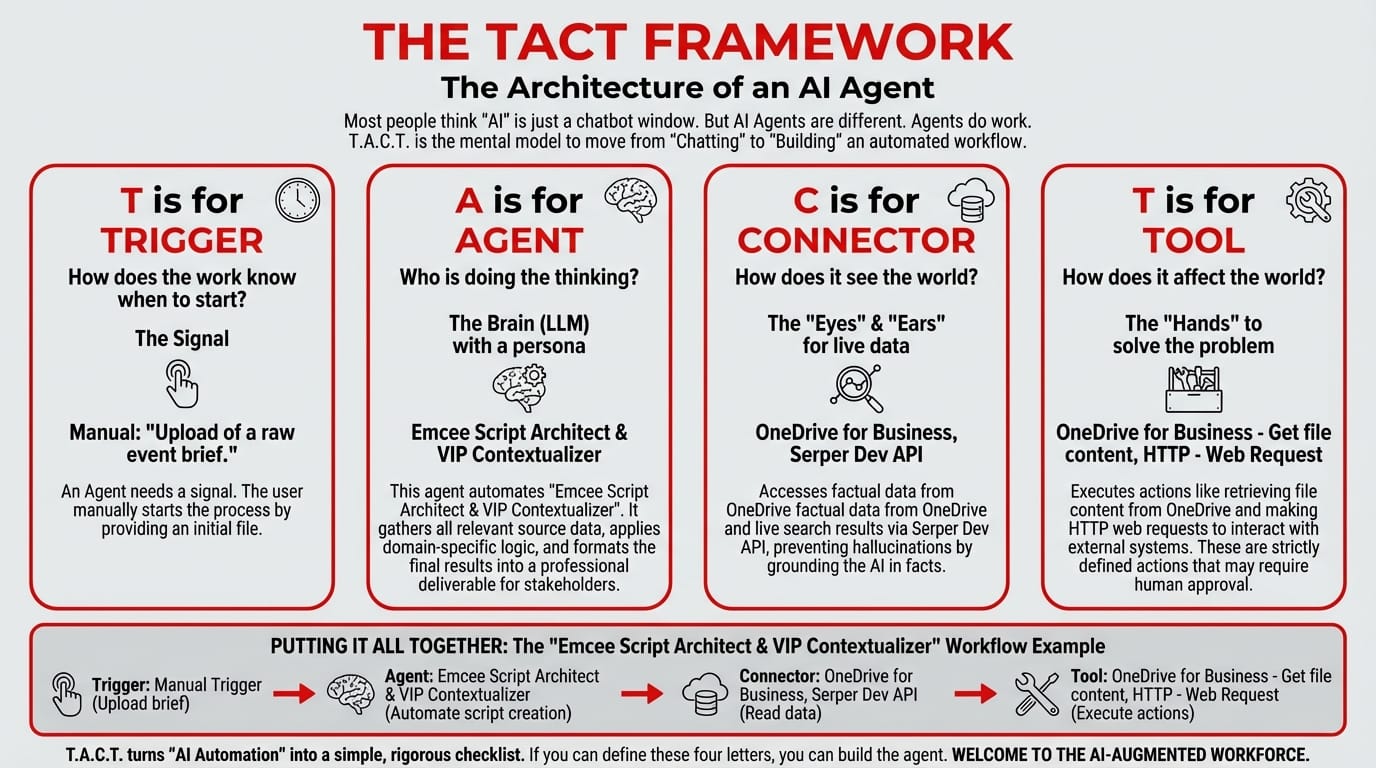
So I built an agent using the T.A.C.T. Framework — and it did something no chatbot could: it researched, matched, and drafted in a single automated pipeline.
The Trigger: Manual — Upload the Event Brief
I uploaded the raw event brief (a messy Word document with dates, guest lists, and vague creative direction) into Copilot Studio. That upload was the trigger.
No complex configuration needed. Just "give the agent the brief and let it run."
The Agent: Three Specialists Working Together
Here's what happens under the hood:
Specialist 1 — The Profile Researcher: The agent takes the VIP list from the event brief and searches the web for each person. Not just their job title — their recent news. Board appointments, media appearances, speaking engagements, awards. The little details that make a mention feel personal rather than perfunctory.
Specialist 2 — The Tone Matcher: Before writing a single word, the agent reads our past successful emcee scripts stored in OneDrive. It analyzes the language, humor level, formality balance, and cultural calibration. It doesn't just know our brand voice — it reads it from the source.
Specialist 3 — The Scriptwriter: Armed with VIP profiles and the established tone, the scriptwriter drafts each segment — welcome remarks, VIP introductions, transitions, and closing.
System Prompt:
You are an Emcee Script Architect & VIP Contextualizer. Your workflow:
- Collect Input Data: Gather all relevant source data, documents, and information.
- Consolidate & Structure: Organize and standardize the collected data.
- Analyze & Process: Orchestration ensures the script is hyper-personalized to the specific VIPs attending, while the Tone Matcher guarantees the company's voice is maintained.
- Validate Results: Review the processed output for accuracy.
- Distribute Output: Format the final results and share with stakeholders.
The Connectors: Internal Memory + Live Research
| Connector | What It Accesses |
|---|---|
| OneDrive for Business | Past emcee scripts, brand guidelines, event archives |
| Serper Dev API | Live web search for VIP bios, recent news, and professional profiles |
This is the combination that makes it work. OneDrive gives the agent institutional memory. Serper gives it current context. The result is a script that sounds like your brand — but is informed by this morning's news.
The Tools: Research and Retrieve
| Tool | Function |
|---|---|
| OneDrive for Business – Get file content | Reads past scripts and templates for tone matching |
| HTTP – Web Request | Executes Serper API searches for VIP profiles and recent news |
What the Script Actually Looked Like
I'm not going to pretend the agent wrote the final version and I didn't touch it. I'm honest about this. The agent produced a strong first draft that I refined for maybe 30 minutes. Here's a snippet of what it generated:
VIP Introduction — Dato' Ibrahim Hassan:
"Ladies and gentlemen, it is my pleasure to welcome Dato' Ibrahim Hassan, Group CEO of Southeast Asia Holdings. Many of you know Dato' Ibrahim from his thought leadership in regional trade — but you may not know that just last month, he was recognized by the ASEAN Business Forum for his work on cross-border SME development. Dato' Ibrahim, we are honored to have you with us tonight."
Compare that to what I would have written manually:
"Please welcome Dato' Ibrahim Hassan, CEO of Southeast Asia Holdings."
The agent didn't just get the name and title right. It found the recent recognition, creating a moment of genuine warmth. That's what "hyper-personalized" means — the detail you couldn't have remembered or found without an hour of Googling per person.
Multiply that by 30 VIPs, and you understand the scale of time saved.
The Part Nobody Tells You About
The first draft had a line that was too informal for one of the government VIPs. The Tone Matcher had calibrated slightly too warm because our last three scripts were all for private-sector events.
I adjusted the system prompt to include a "formality override" instruction for any VIP with a government title or diplomatic honorific. On the second run, the tone was perfect.
This is what working with an agent is actually like. You don't get perfection on the first try. You get a powerful draft, you iterate the instructions, and the second try is right. The total time? Still under 2 hours — compared to the 2 days it used to take.
📚 Related events and communications workflows: - The Marketing Problem That Psychology Can Solve: How Our Cultural Messaging Engine Self-Corrects — when your messaging needs cultural precision - 7 Reasons Your Creative Team Needs the Design Artwork Adaptation Orchestrator — automate the design brief pipeline - Stop Asking AI the Wrong Questions: The Copilot Prompt Optimizer — improve how you instruct any agent
Build event intelligence, not just event logistics.
Close the gap in your operations.
Get immediate access to the full JSON schema for this workflow. By subscribing to the Library, you can copy and paste this architecture directly into Microsoft Copilot Studio, M365 Workflows (Frontier) Agent, or Google Workspace Studio in minutes.
⚠️ The price increases by $100 on the first Thursday of next month.
Every month, we add 4 new agentic workflows to the Library. Because the Library's value constantly grows, the price to access it increases every month. Get access today for $380/year to secure all 16 current schemas—and lock in your rate before the next price hike.